






Featured Categories


News Products


Featured Products


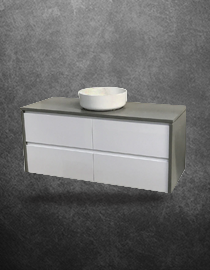
Infinity Short 900 mm Wall Mount Vanity - ALL DRAWER - White Polyurethane
Infinity Short
$480.00
$385.00


DIAMOND All Drawer Wall Mount Vanity 1800mm - Optional Stone Bench Top & Basin
Diamond
$1,550.00
$1,450.00

Matt Black Tile-In Floor Floor Grate - 600mm 900mm Outlet 76mm , Outlet Adjustable
Normandy
$175.00 - $205.00

Brushed Gold Tile-In Floor Floor Grate - 600mm 900mm Outlet 76mm , Outlet Adjustable
Normandy
$195.00 - $215.00

Gun Metal Grey Tile-In Floor Floor Grate - 600mm 900mm Outlet 76mm , Outlet Adjustable
Normandy
$195.00 - $215.00
![Infinity Premium All Drawers Wall Hung Vanity & Stone Bench Top [Standard Depth Twin Height] - Size: 600 750 900 1200 1500 & 1800mm](https://cdn11.bigcommerce.com/s-8rjuqm5a0j/images/stencil/85x85/products/4360/24167/Inifinity_twin_std_1200_stone_satin_white_a__60417.1607753237.jpg?c=2)
From our blog
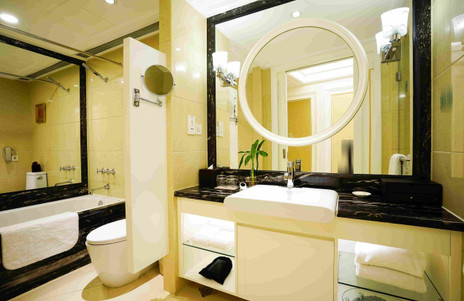
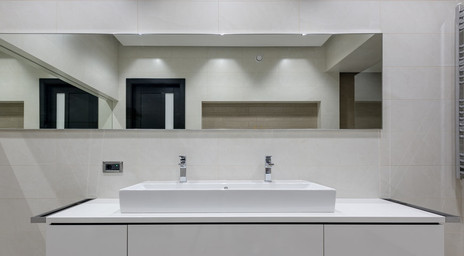


Bankstown Showroom
Welcome to Renovation D: Bathroom & Kitchen Supplies, Designer Vanities, Cabinets and Bathroom Vanity Units - Sydney and throughout Australia.
We have been in the bathroom industry since 2005, over 10 years of serving, making Renovation D one of most trusted and most experienced Bathroom and Kitchen Company in Sydney, Australia. We are also at the forefront of the kitchen and bathroom renovation industry. With exceptional customer service and technical knowledge, we help our customers buy quality products through our online store and showroom - from designer vanity units, shower screens and tapware to kitchen sinks, vanities and cabinets - that perfectly suit their renovation needs.
Brands We Carry